Workspace
All the work for life planning takes place in a workspace. When you create a
newaccount in the web app or call thrive init in the CLI app you are creatinga
new workspace.
Right now, a single account can have just one workspace. The workspace itself belongs to that account, but individual entities can be shared with other Thrive users.
All further concepts we discuss are relative to the workspace.
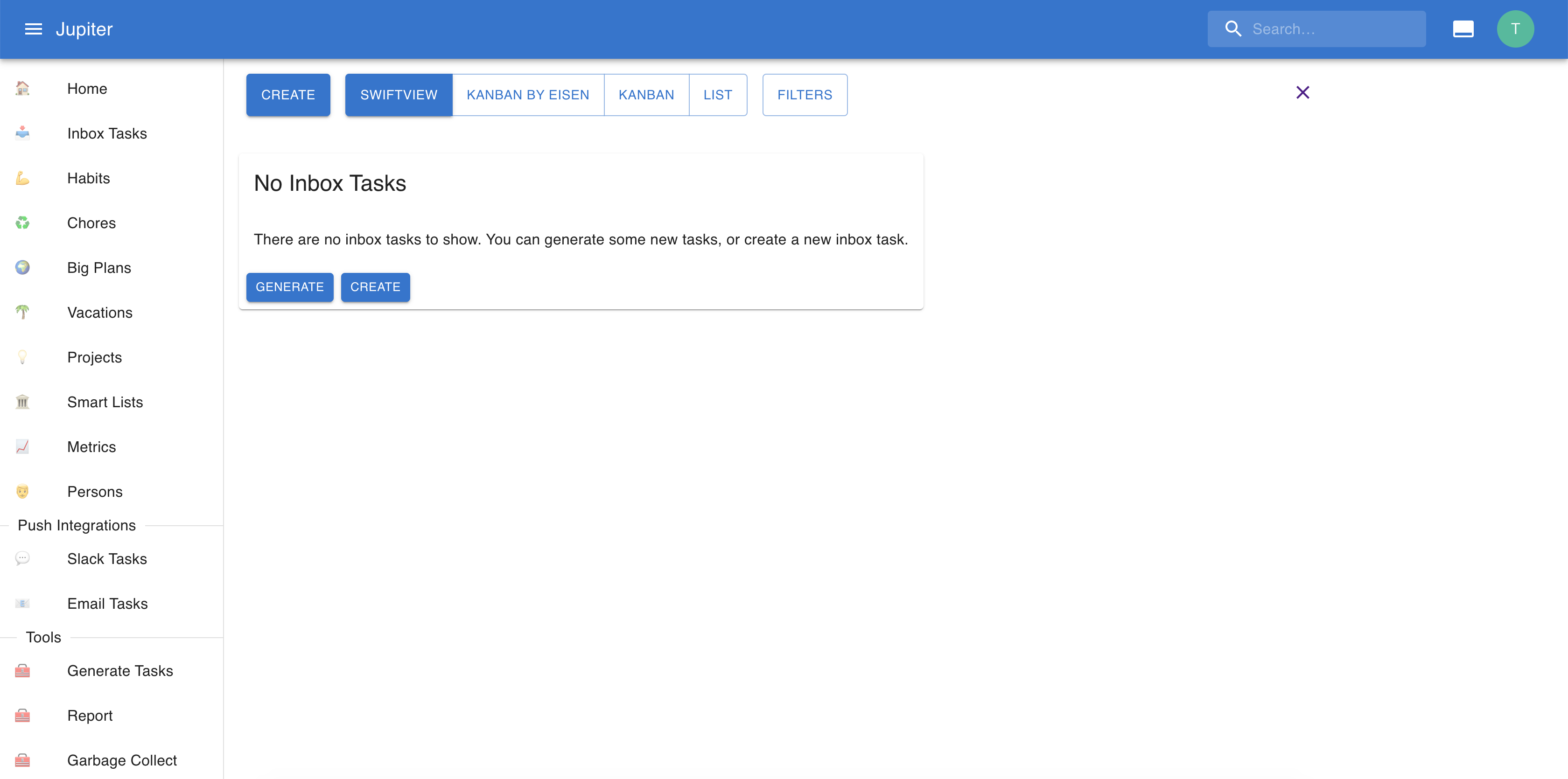
After creating a workspace, you’ll see something like the following, depending on the feature flags selected:
Properties
A workspace has a name.
A workspace also has a notion of default aspect. Checkout the aspects section for more details about aspects. But in context where a aspect is needed - say when adding a new inbox task, or generating an inbox task from a metric - and none is specified, this one will be used instead.
Feature flags are also associated with a workspace.